What is ICO Format? How to Create a Favicon for Your Website
Give your website a professional identity with a custom favicon
Have you ever noticed the small icon that appears next to a website name in your browser tab? That little icon is called a favicon and it is stored in ICO format. If your website is missing a favicon, it looks unprofessional and incomplete. In this guide, we will explain what ICO format is and show you how to create your own favicon for free.
What is ICO Format?
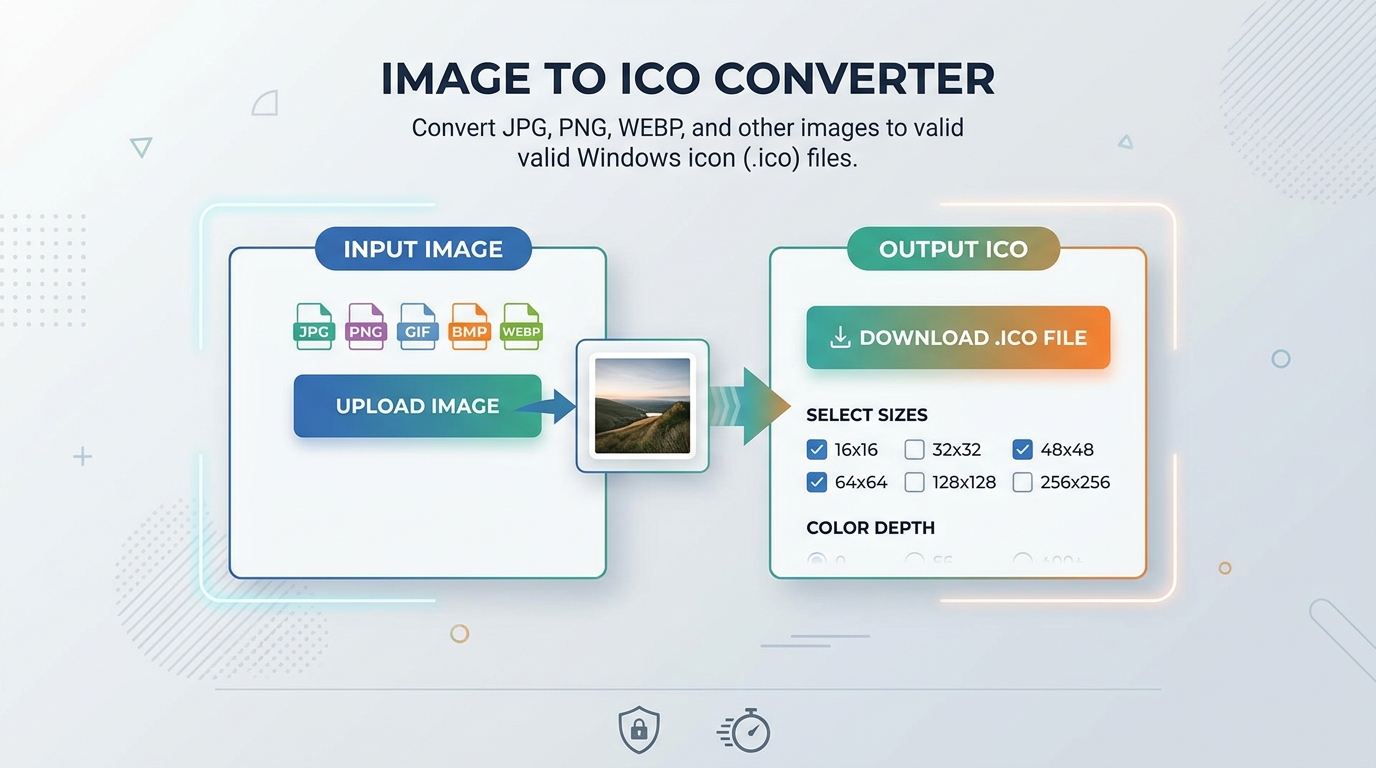
ICO is a special image format used primarily for icons on Windows and web browsers. The name comes from "icon." ICO files are unique because they can store multiple image sizes in a single file for example 16x16, 32x32 and 64x64 pixels all in one .ico file. This allows the operating system or browser to automatically use the right size for different situations.
🌐 What is a Favicon? A favicon is the small icon displayed in your browser tab, bookmarks bar and browser history. It helps visitors recognize your website instantly. Every professional website has one.
Why Does Your Website Need a Favicon?
A favicon makes your website look more professional and trustworthy. When someone has many tabs open in their browser, a favicon helps them quickly find your website. It also appears in bookmarks and search engine results in some cases. Simply put a favicon is a small detail that makes a big difference to how users perceive your website.
How to Create a Favicon Using Turbix.online
Prepare Your Logo or Image
Choose a simple image or logo that looks good even at very small sizes. Square images work best for favicons. PNG format with a transparent background is ideal.
Go to Turbix.online
Open turbix.online in your browser. No account or registration is needed.
Select Image to ICO Converter
Click on the "Images to ICO Converter" tool from the homepage tools list.
Upload and Convert
Upload your image, click convert and download your .ico file. The whole process takes under 10 seconds.
Add to Your Website
Rename the file to "favicon.ico" and upload it to your website's root folder. Then add this code to your HTML head section: <link rel="icon" href="/favicon.ico">
Frequently Asked Questions
What size should a favicon be?
The standard favicon size is 16x16 or 32x32 pixels. However, modern websites often use 64x64 or even 128x128 pixels for higher resolution displays. Turbix.online handles this automatically when converting.
Can I convert a PNG to ICO?
Yes! PNG is actually the best starting format for creating a favicon because it supports transparent backgrounds. Simply upload your PNG to Turbix.online and convert it to ICO for free.
Is ICO format only used for favicons?
No ICO format is also used for application icons on Windows computers and desktop shortcuts. But for web developers, creating favicons is the most common use of the ICO format.
Create Your Favicon for Free!
Convert any image to ICO format instantly no sign-up needed.
Convert to ICO →