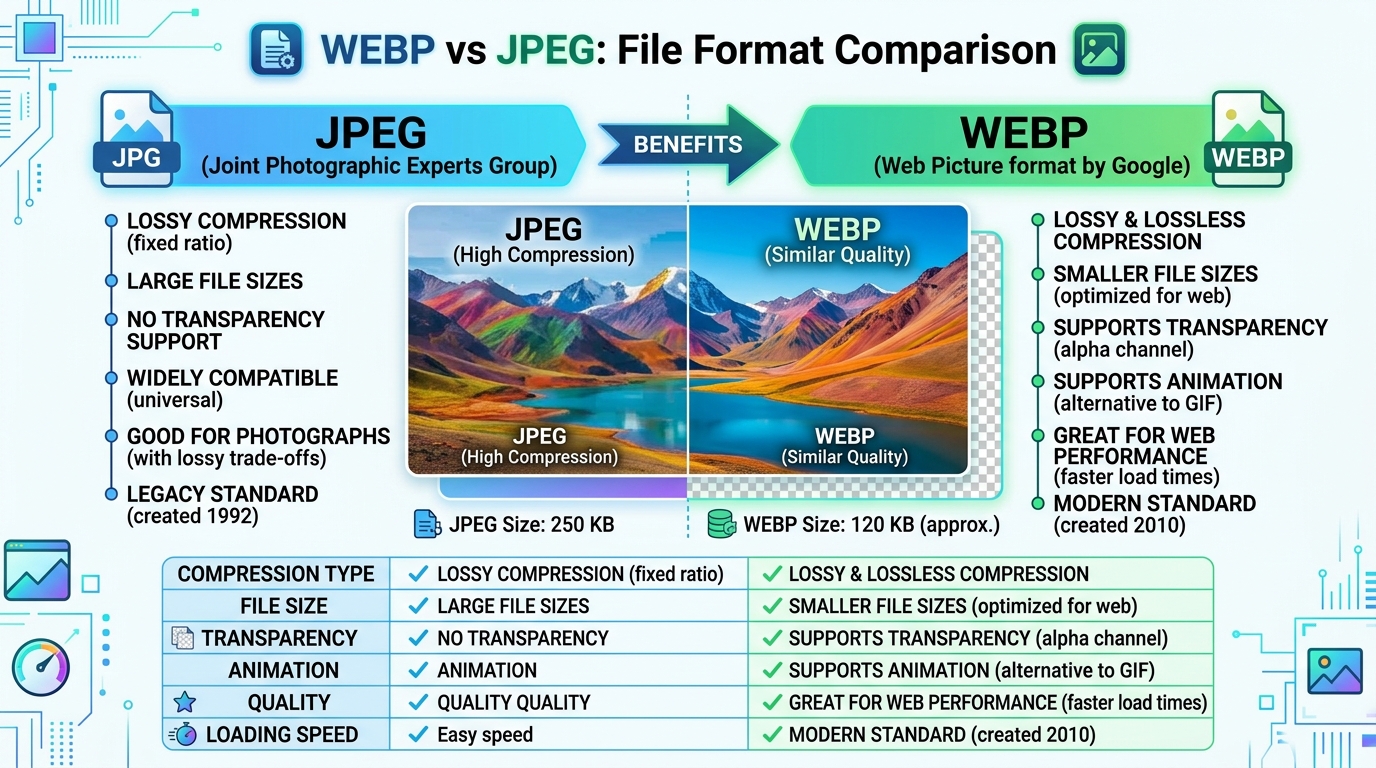
WEBP vs JPEG: Which Image Format Should You Use in 2025?
A simple, honest comparison to help you choose the right format
If you have ever saved an image and wondered "should I save this as JPEG or WEBP?" you are not alone. This is one of the most common questions people ask about image formats. In this guide, we will break it down in simple terms so you can make the right choice every time.
What is JPEG?
JPEG (Joint Photographic Experts Group) is one of the oldest and most widely used image formats in the world. Almost every camera, phone and website supports JPEG. It is great for photographs and complex images with lots of colors. The file size is reasonably small and the quality is good enough for most everyday uses.
What is WEBP?
WEBP is a newer image format developed by Google. It was specifically designed for use on the web. The biggest advantage of WEBP is that it produces significantly smaller file sizes compared to JPEG without losing noticeable image quality. This means your website loads faster and uses less data.
💡 Quick Fact: WEBP images are typically 25–35% smaller than JPEG images of the same quality. For websites, this can make a big difference in loading speed.
WEBP vs JPEG Side by Side
| Feature | JPEG | WEBP |
|---|---|---|
| File Size | Medium | Smaller (25-35% less) |
| Image Quality | Very Good | Excellent |
| Transparency Support | ❌ No | ✅ Yes |
| Browser Support | All browsers | All modern browsers |
| Best For | Photos, emails, printing | Websites, web apps |
| Editing Support | All software | Limited software |
When Should You Use JPEG?
JPEG is still the best choice when you need to share images via email, print photos, or use images in older software that may not support newer formats. If you are sending a photo to a friend or family member, JPEG is perfectly fine and works everywhere without any compatibility issues.
When Should You Use WEBP?
WEBP is the smarter choice when you are uploading images to a website or blog. Since Google prioritizes fast-loading websites in search results, using WEBP instead of JPEG can actually help your SEO rankings. Most modern browsers including Chrome, Firefox, Safari and Edge all support WEBP fully.
Our Verdict
For websites and online use go with WEBP. For everything else like printing, emailing or personal storage JPEG works perfectly. The good news is that converting between the two is completely free and takes just a few seconds on Turbix.online.
Convert Your Images for Free!
Convert JPEG to WEBP or WEBP to JPEG instantly no sign-up needed.
Convert Now →