How to Convert an Image to PDF Online for Free
Quick, easy and works on any device no software needed
Need to send a photo as a PDF? Whether it is a scanned document, a receipt, an ID card photo or just a regular image converting it to PDF is one of the most useful things you can do. And the best part? You can do it completely free online in just a few seconds.
Why Convert Images to PDF?
📄 Professional Look
PDFs look more professional when sharing documents via email or WhatsApp.
🔒 Hard to Edit
PDFs cannot be easily edited, making them safer for official documents.
📱 Works Everywhere
Every phone, laptop and computer can open a PDF without any special app.
📤 Easy to Share
PDFs are the standard format for sharing receipts, certificates and reports.
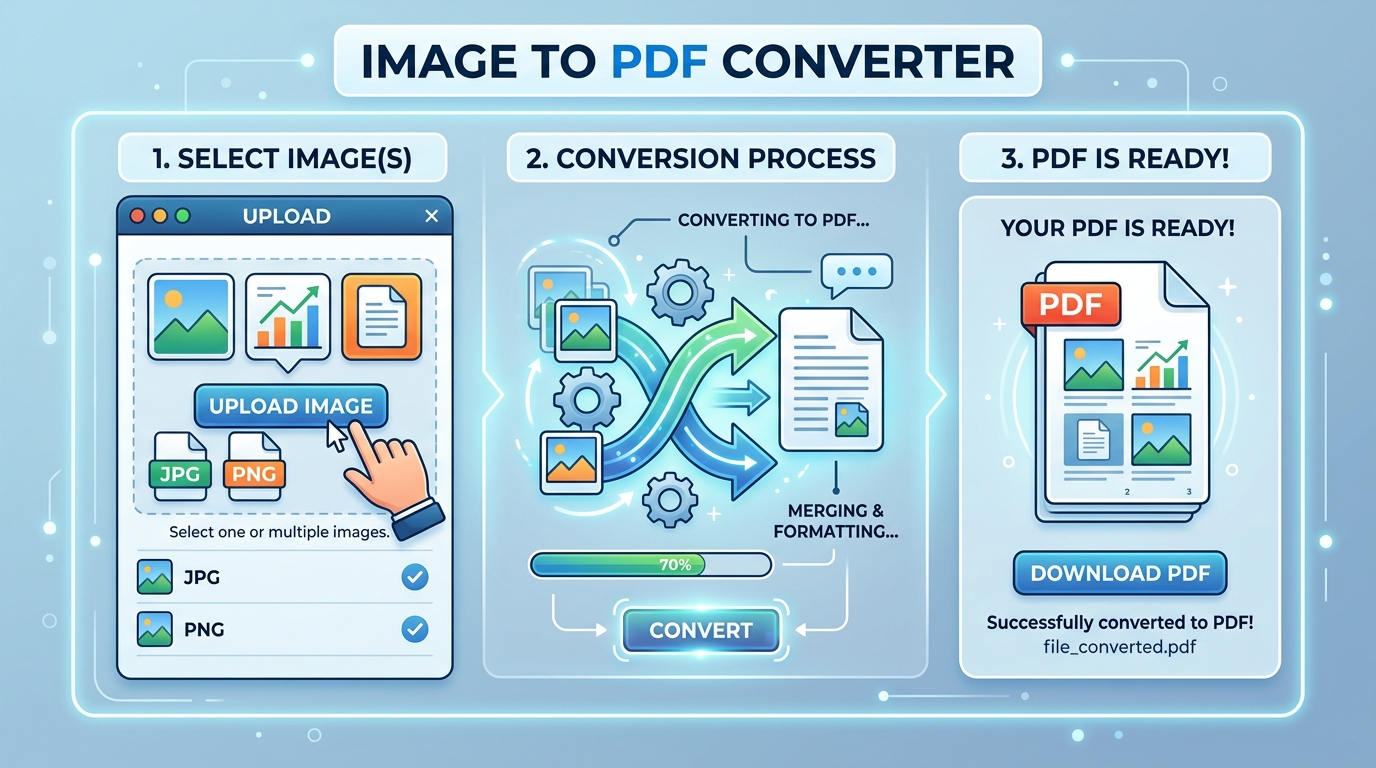
How to Convert Image to PDF Step by Step
Go to Turbix.online
Open your browser and visit turbix.online. No account or sign-up is needed.
Select Image to PDF Tool
Click on the "Images to PDF Converter" tool from the homepage.
Upload Your Image
Click the upload button and select your image from your phone or computer. Supports JPEG, PNG, WEBP and more.
Convert and Download
Click the convert button and your PDF will be ready to download in seconds.
🔒 Your Privacy is Safe: All conversions on Turbix.online happen directly in your browser. Your images are never uploaded to or stored on our servers.
Which Image Formats Can Be Converted to PDF?
On Turbix.online, you can convert almost any image format to PDF including JPEG, JPG, PNG, WEBP, GIF, BMP, TIFF and more. Whether you took a photo on your phone or downloaded an image from the internet it will work.
Is It Really Free?
Yes, 100% free. There are no hidden charges, no premium plans and no watermarks added to your converted PDF. Turbix.online is completely free to use for everyone.